AI Gender Swap
Loading

AI Gender Swap Portrait Transformation from Your Photo

What might a different gender presentation look like in a portrait? Start with an image of a person and create a newly generated portrait around that idea. The task is visual and direct: one source photo becomes one new still image. The creation area sits directly below this introduction so you can move from curiosity to your own portrait without searching through a catalogue of unrelated effects.

Your source image provides the person and visual context for the new portrait. Choose a clear photo of the subject you want to reimagine.

Start with a portrait · See the three steps

Portrait input
New portrait
Gender expression
Photo-first workflow
Creative exploration

Start your gender-swap portrait

Choose a portrait of yourself, a person who has agreed to participate, or a character you are developing. Begin with an image where the face is visible and the subject is clear. The creation area is where your source portrait enters the transformation task, so you can move from a familiar image toward a new interpretation.

Portrait studio

Create your alternate portrait

One portrait in. One identity-preserving transformation out. Your source image stays visible while you work.

Illustrative adult portrait transformation example

Your portrait becomes the canvas

Illustrative example. Upload an adult portrait to replace this preview.

What is an AI gender-swap portrait?

An AI gender-swap portrait is a new image built from a source photo around a different gender presentation. It begins with a person you choose rather than a generic text-only character. Bring a familiar portrait to the tool and use the result as a creative image of that subject. It is not a biological test or a statement about anyone's identity.

People often search for a “male to female” or “female to male” image because they want to see a particular visual direction. Those phrases can help describe the idea, but they do not define the person in the photo. A transformed portrait is most useful when you approach it as an open creative image: notice what changes in the presentation and what still makes the subject feel familiar.

The input can be a self-portrait or another photo you have permission to use. The output is one creative portrait image. A visible face and an unambiguous subject make a useful starting photo.

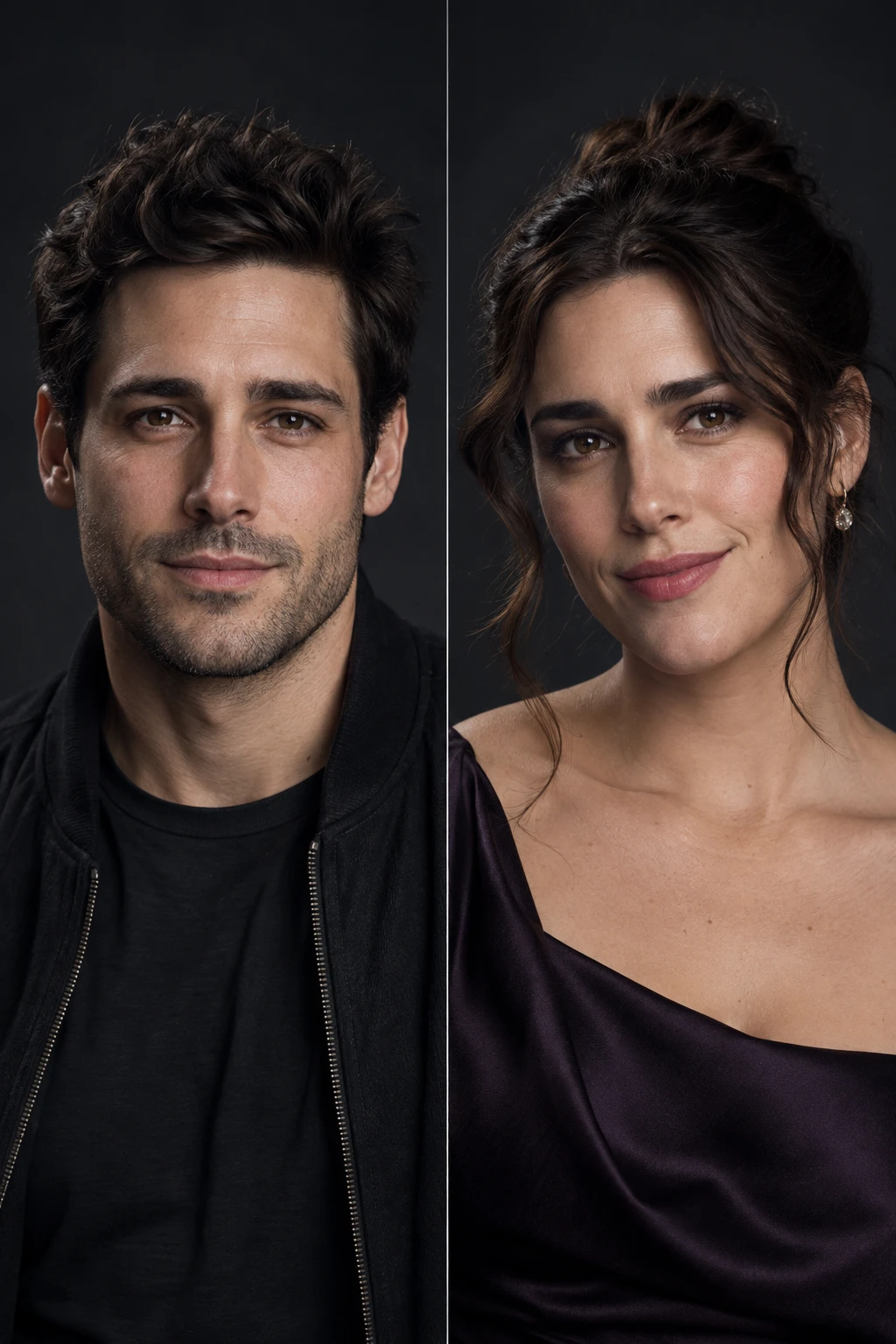
The same fictional adult shown as an uploaded portrait and a new gender-presentation portrait
AI Gender SwapUploaded portraitNew still portrait

Which photo makes a useful starting portrait?

Choose an image that makes the subject clear at a glance. A face that is visible, reasonably well lit, and not hidden behind a hand or large object is a straightforward starting point. A single-person composition also keeps the task simple: you know whose look you want to explore. These are photo-selection tips, not rules about accepted file types or a promise about the image you will receive.

Think about the photo you upload. A close portrait emphasizes the person, while a wider source photo includes more setting. Keep the subject visible. For a character concept, surrounding context may help explain your starting idea; for a self-portrait, a simple crop often keeps attention on you.

Use a portrait that you own or have permission to transform. When the subject is a real person, ask first and avoid presenting the new portrait as a real photograph. Check the face, crop, and people in frame before moving to the creation area.

Explore a new presentation through one portrait task

The experience centers on a specific visual change: moving from a source portrait to a newly interpreted portrait. Begin with the face you want to explore and focus on the new image rather than on a complicated editing process.

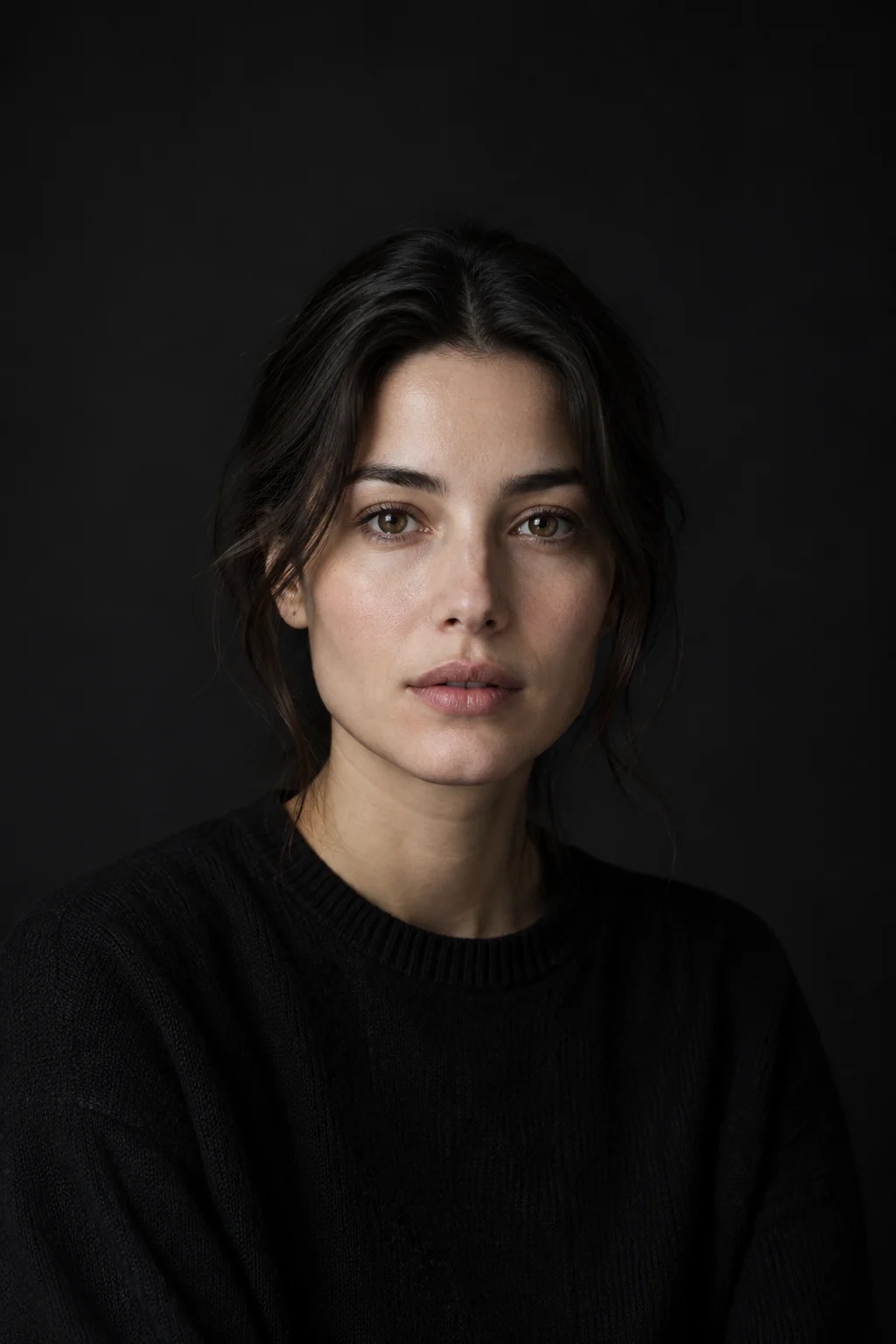
Clear fictional adult portrait prepared as a source photo

Bring a portrait into the task

Start from an image of the person whose appearance you want to explore. Uploading a source portrait gives the task a real visual starting point before any new image is made. This is different from describing a generic person in text: your chosen picture supplies the subject. A self-portrait can make the experience personal, while a character reference can help a creative team picture a new version of an established figure. You decide which portrait starts the process.
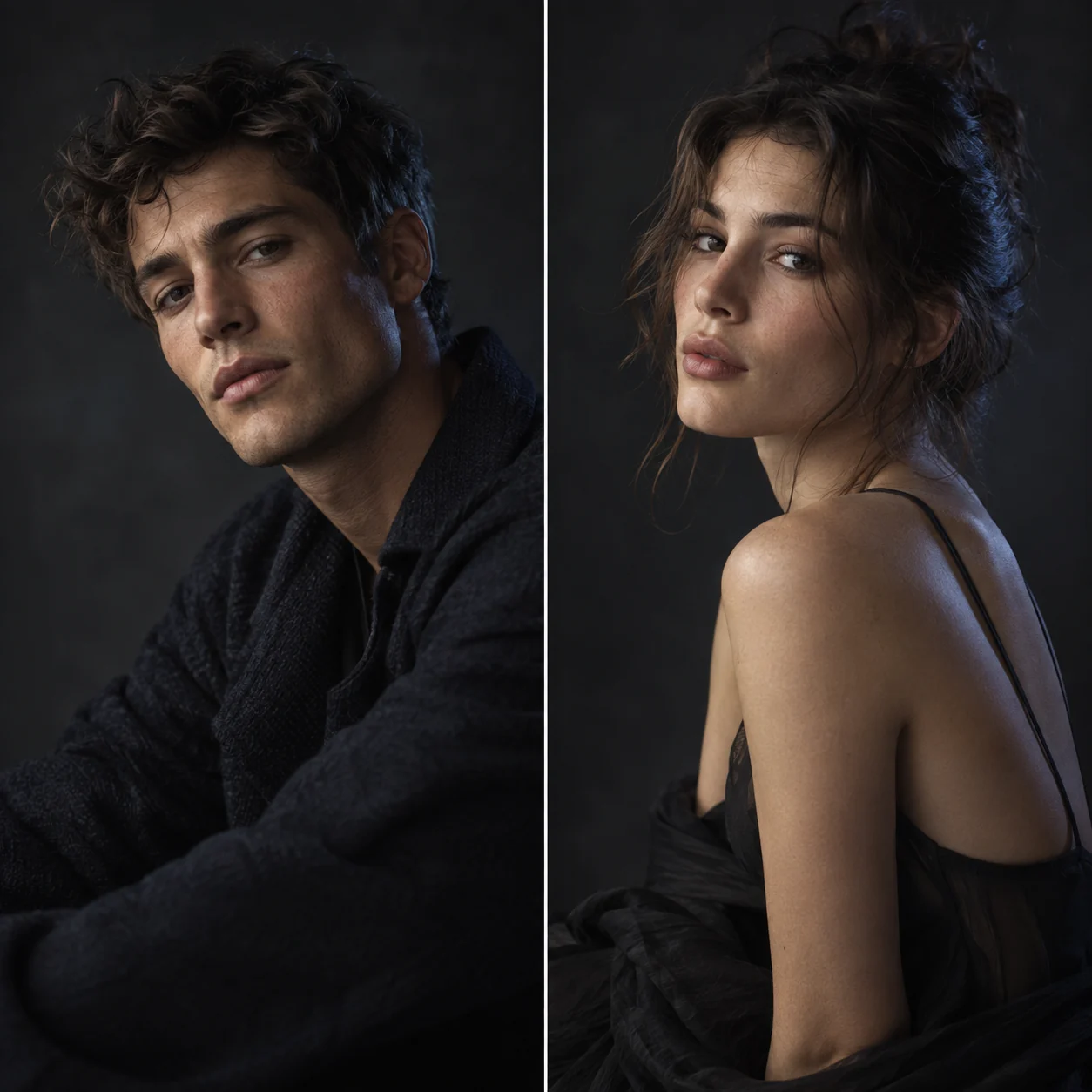
Two related fictional portraits explore different gender presentations

Reimagine gender presentation

The core action is a portrait transformation around gender presentation. Upload the photo that carries your starting idea, then use the task to make a new image of that subject in another presentation. The creative result gives the idea a visual form, whether you began with a photo of yourself, a willing friend, or a fictional character. It does not classify a person's identity.

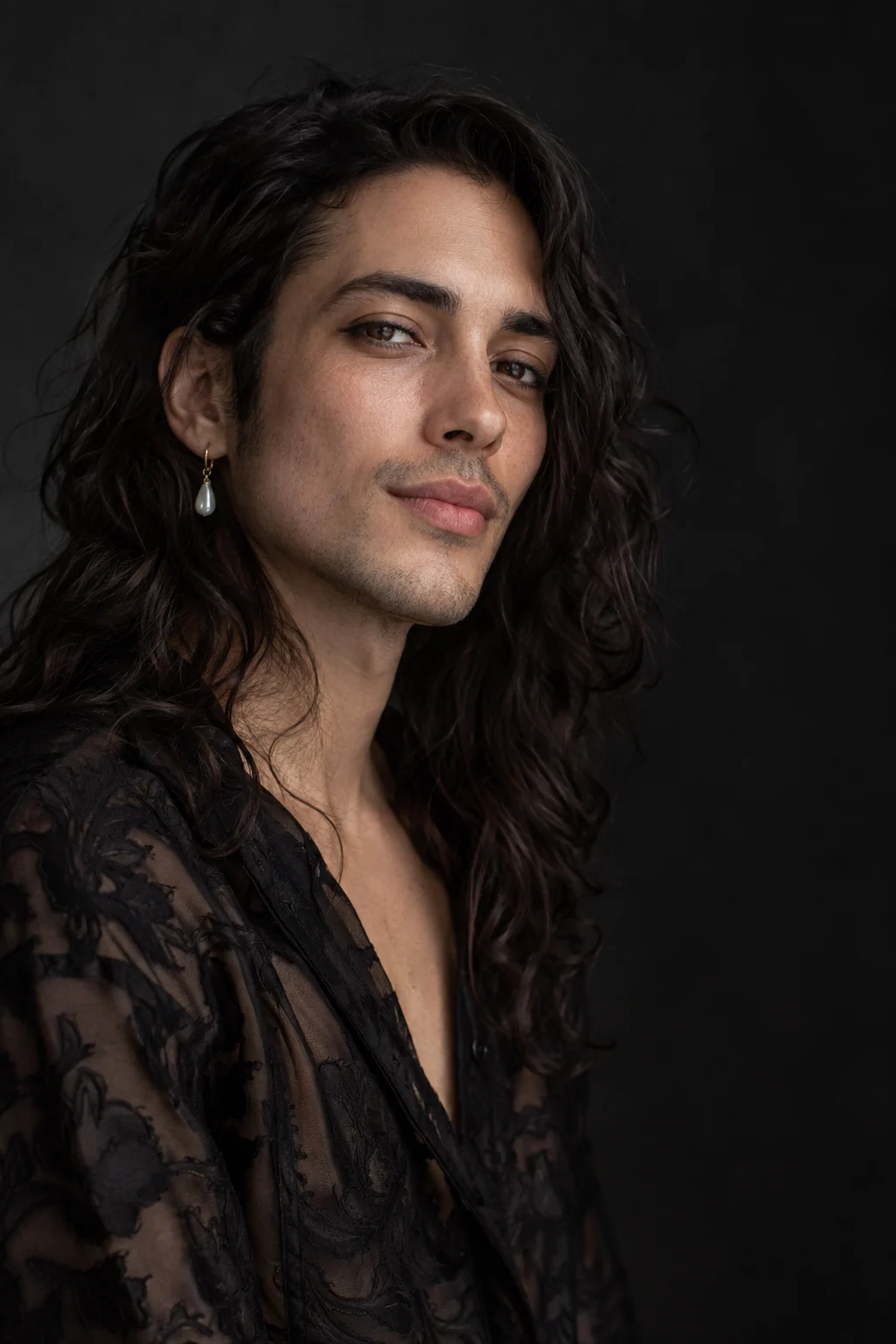
Single newly imagined fictional portrait in a studio setting

Make a new portrait image

The result is a newly generated still portrait image. It gives you a tangible new picture from the source photo, suitable for personal visual exploration or a character concept. The task is intentionally limited to a still image: it is not a video effect, an avatar account, or a written assessment of the person. Bring a portrait, make a new portrait, and continue your creative work with the image itself.

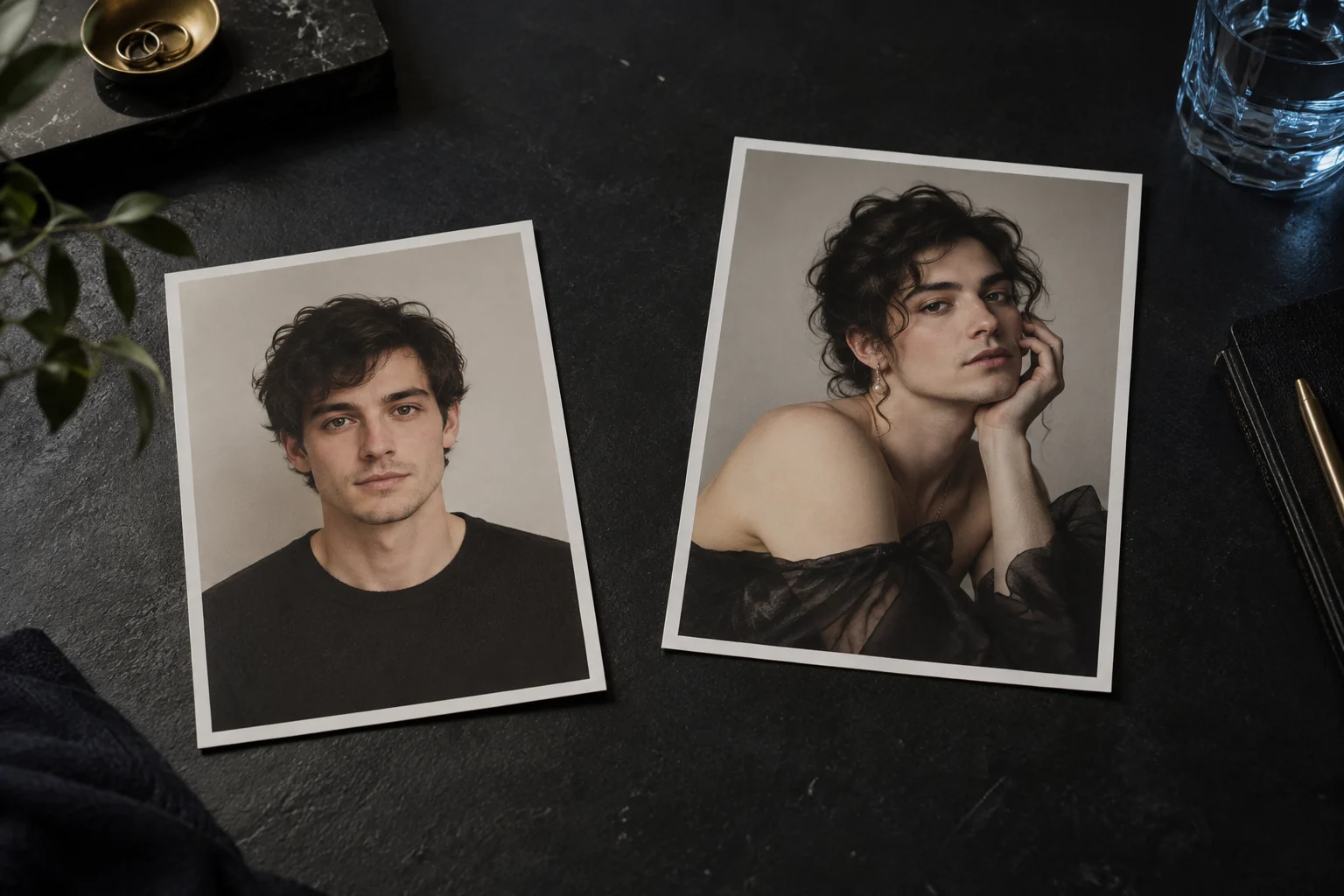
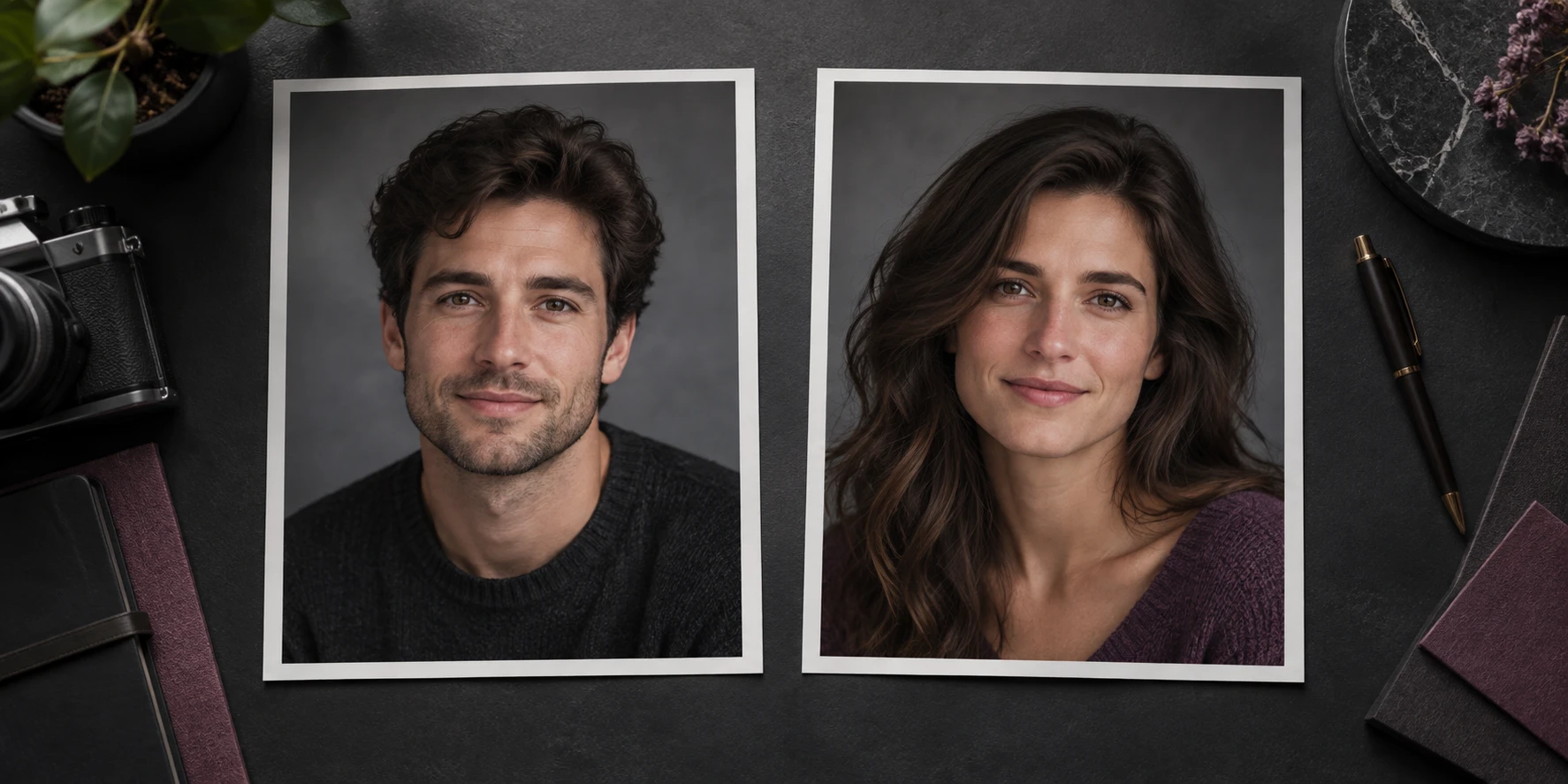
Two printed portraits suggest a source and a creative reinterpretation

Create from one source portrait

Provide one source portrait to start the image-to-image task. That single-photo path keeps the person you chose at the center of the transformation and leads toward one newly created portrait. You do not need to build a character entirely from a written description before starting. Bring an existing picture of yourself or a permitted subject, begin the transformation, and use the new still image for the personal or creative idea that brought you here.

How do you make a gender-swap portrait?

The journey is straightforward: choose a photo, begin the portrait transformation, and use the new still image for your visual idea.

  1. 1

    Choose a clear source image

    Begin with a portrait you are allowed to use. Look for a visible face and an obvious subject, then move to the creation area above to provide that image. For a self-portrait, choose a photo that feels like the version of yourself you want to start from. For a character, use a reference with an appearance you already recognize.

  2. 2

    Create the new portrait

    Bring your chosen photo to the creation area and start the portrait task. The transformation uses the source image to make a new still portrait around another gender presentation. Begin with the picture you selected and keep the process centered on that one visual subject. The output is a creative portrait, not a predetermined identity label.

  3. 3

    Continue with the new image

    The newly created portrait can become a starting point for a character moodboard, a personal visual experiment, or a conversation with the subject who agreed to take part. Keep the original photo separate from the new image so neither is mistaken for the other. If you want to explore a different starting point, choose another permitted portrait and begin a new photo-to-portrait task.

What can you explore with a transformed portrait?

Different visitors bring different questions to the same photo-to-portrait task. These six examples are creative scenarios, not promises of special modes or separate product features.

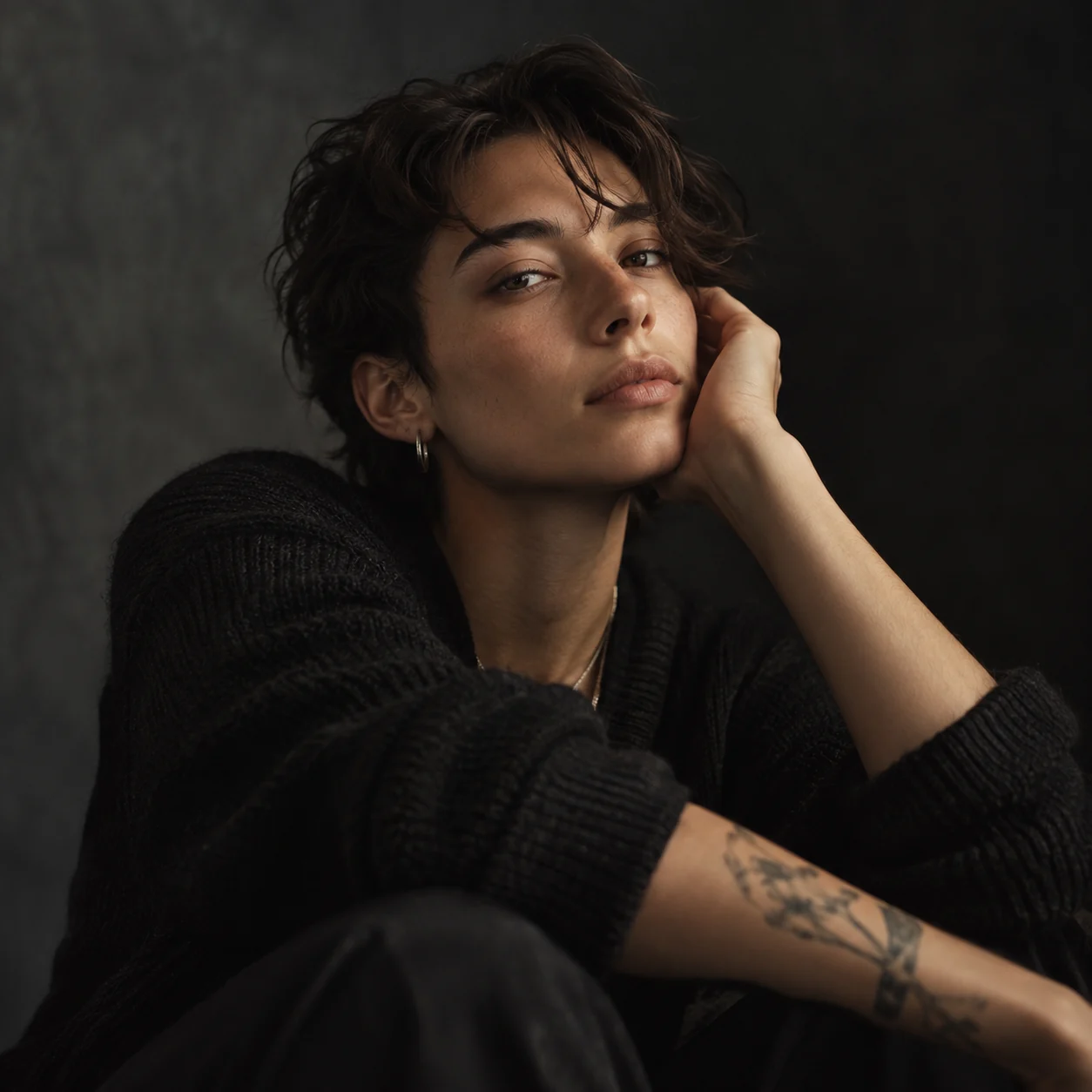
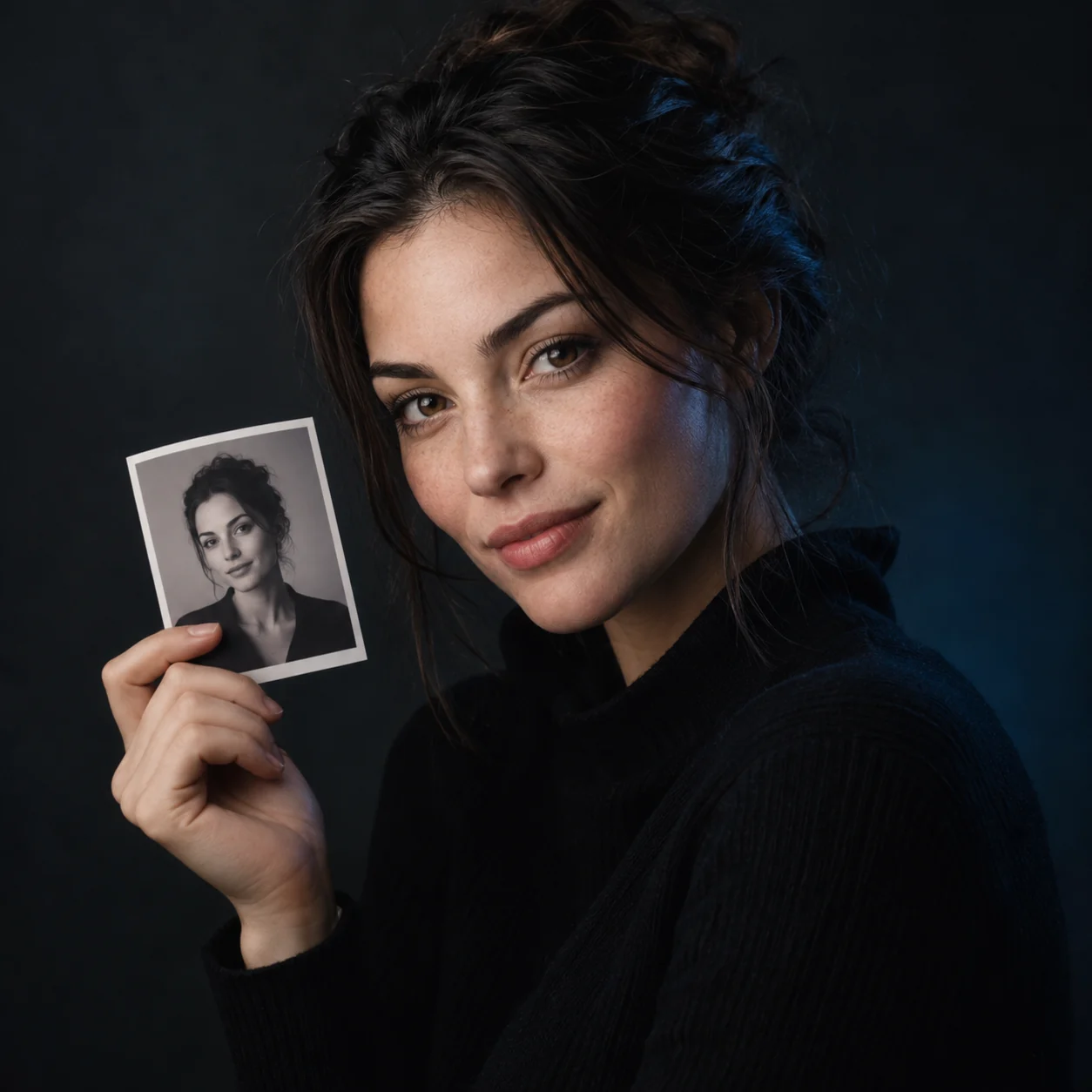
Fictional adult in a reflective self-portrait
Illustrative scenario image.

Try a self-portrait idea

Use a photo of yourself to explore how a changed gender presentation might alter the impression of a familiar face. A self-portrait is personal, so leave room for surprise and interpretation. The new image may suggest a style or mood you had not considered; it does not define who you are. Starting with a face you know well makes small visual differences more noticeable.

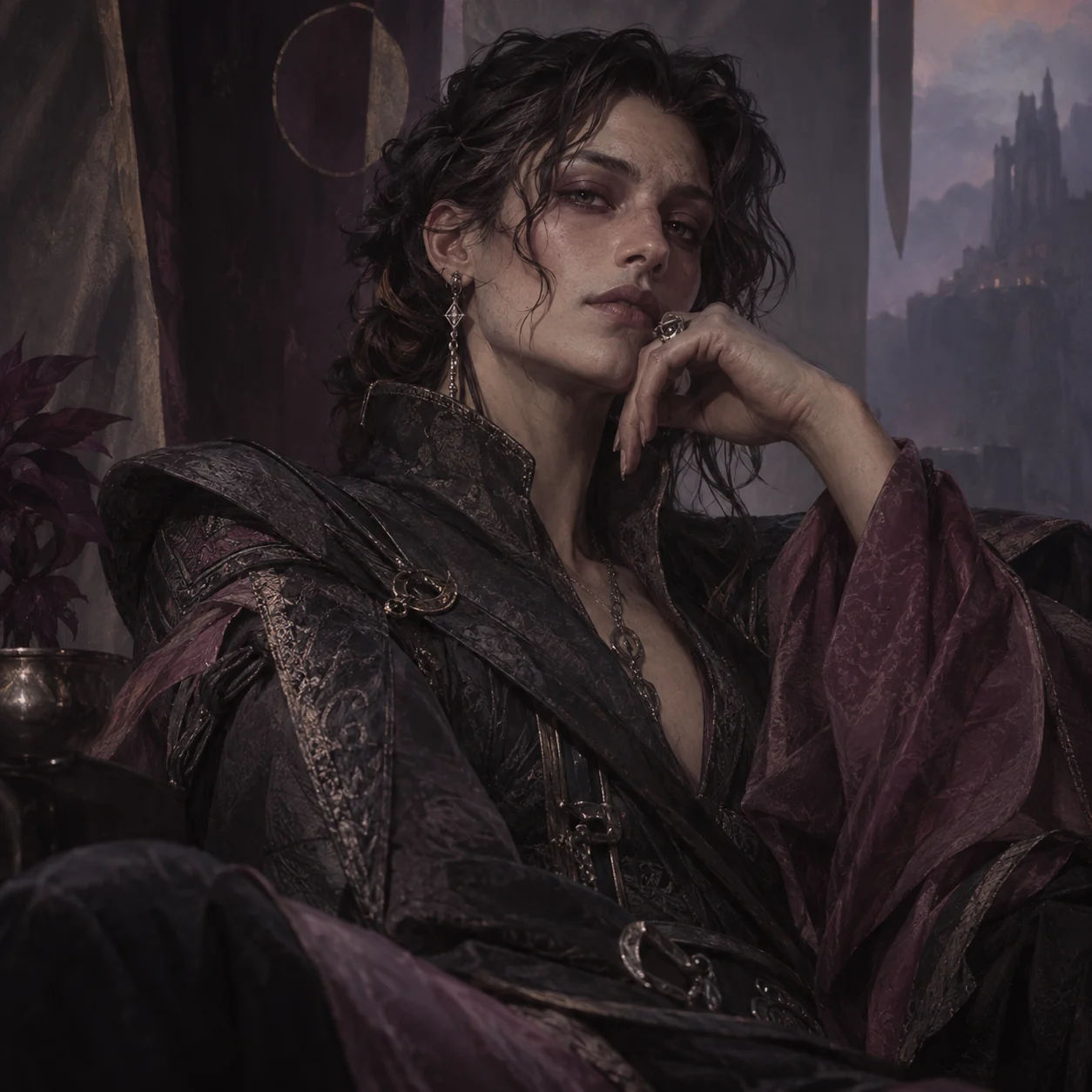
Painted fictional character portrait with costume detail
Illustrative scenario image.

Develop a fictional character

Writers, game makers, and visual storytellers can use a portrait as a seed for a character concept. A transformed portrait may help you imagine a related version of a character in another presentation. Keep the concept grounded in your story rather than treating the output as a complete character design. Name, background, and personality remain decisions for the creator.

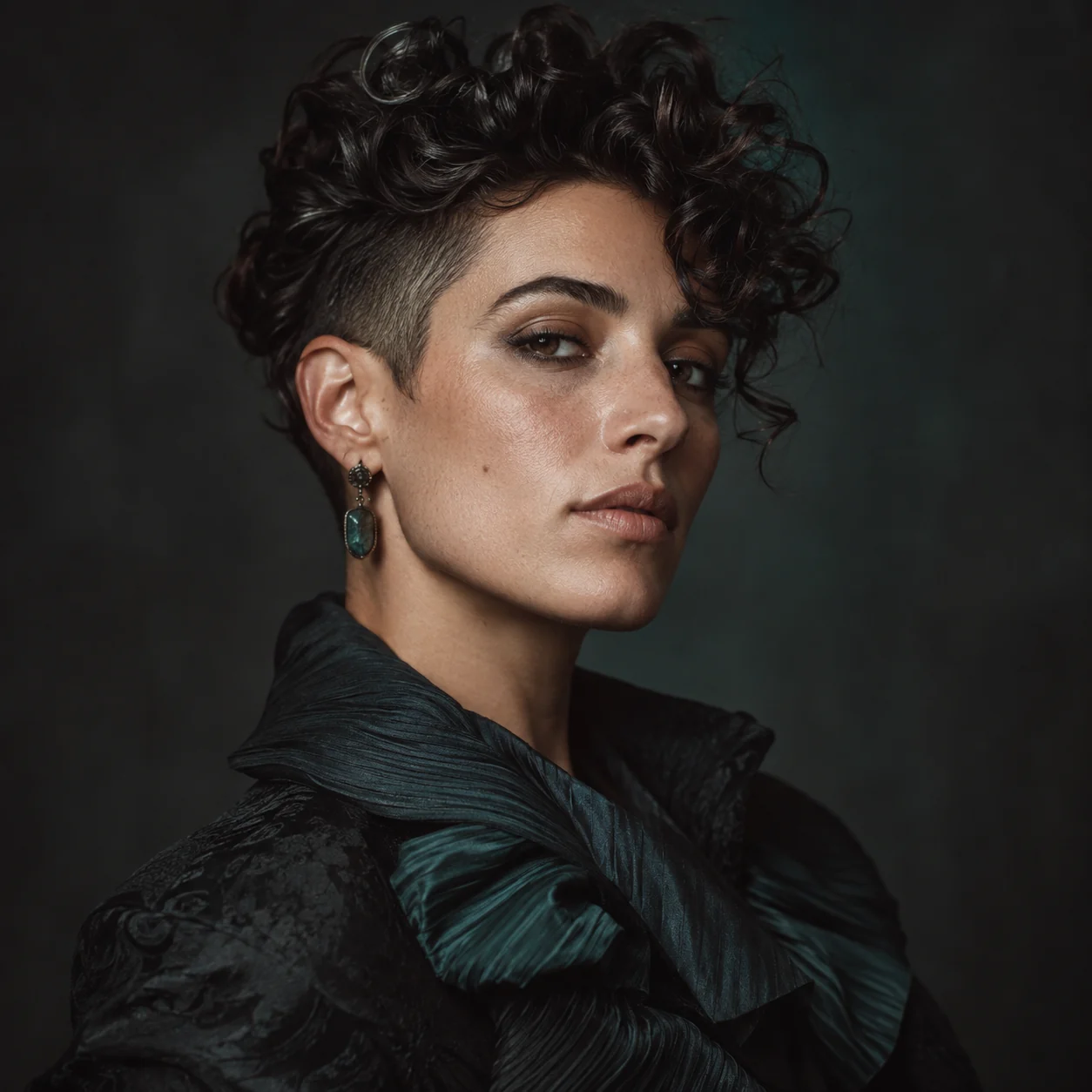
Expressive portrait styling for visual-art exploration
Illustrative scenario image.

Explore an alternate portrait for art

An artist may want a visual prompt for drawing, collage, or a moodboard. Supplying a portrait and seeing a new interpretation can open a direction for color, styling, or expression. It is a reference point to think with, not an instruction that the generated image is ready for every use. If the subject is another person, make sure your art practice respects their permission and context.

Profile-style portrait beside a small printed photo
Illustrative scenario image.

Compare presentation in a profile-style image

Some searches begin with a simple curiosity about how a head-and-shoulders photo might read differently. A profile-style portrait has a clear face and limited background, which keeps attention on the visual change. Use the result as a private creative comparison unless you have the subject's consent to show it. Avoid passing off an AI-created portrait as an unedited photograph.

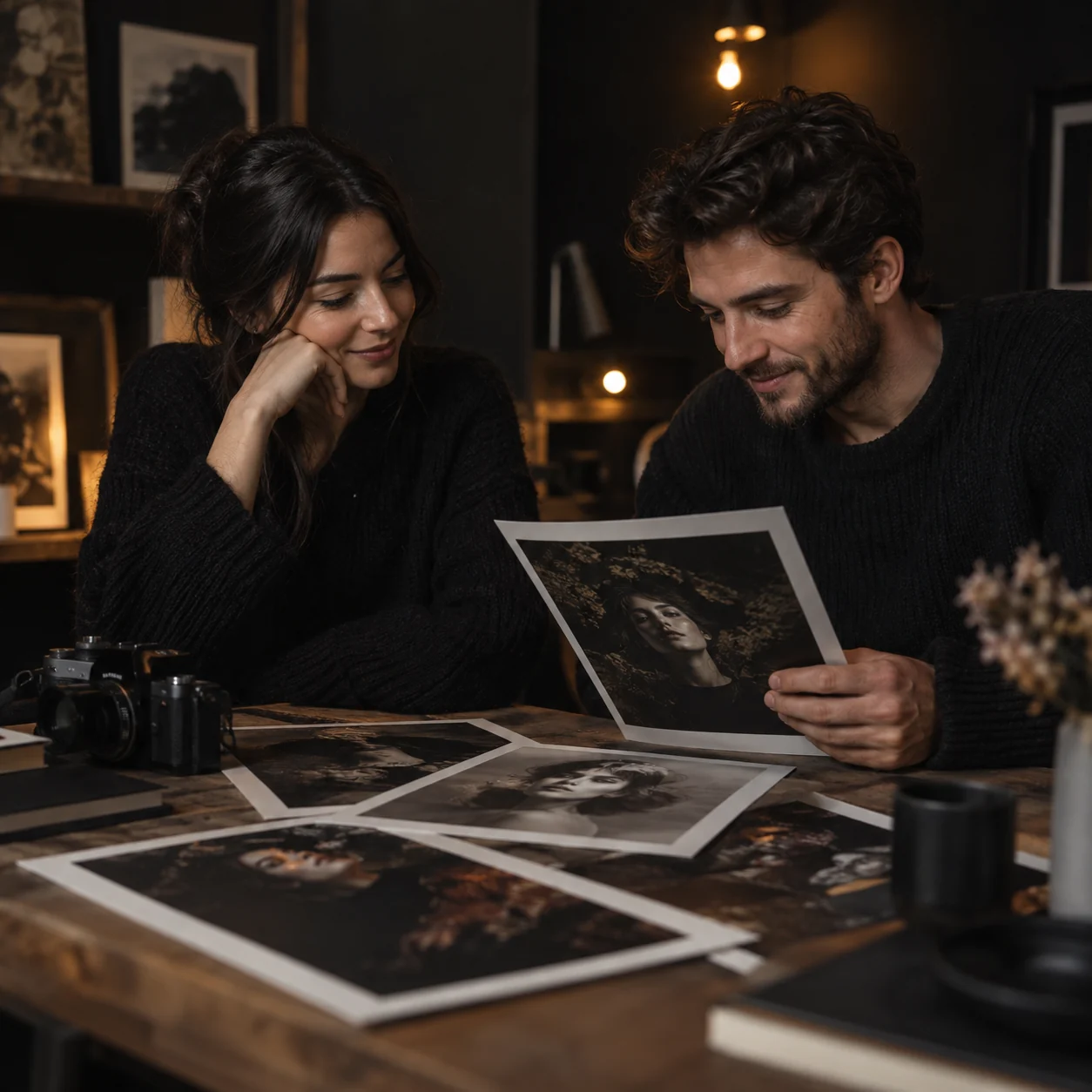
Two fictional friends reviewing a creative portrait print
Illustrative scenario image.

Make a consent-based friend portrait

With a friend's agreement, a familiar photo can become a shared creative experiment. Choose a portrait they are comfortable using and discuss the result as an interpretation. This scenario works best when both people understand that the image is synthetic and not a statement about the friend's identity. The interesting part is the visual conversation, not a supposed prediction of their real appearance.

Fictional character in a cinematic costume setting
Illustrative scenario image.

Sketch a casting or costume direction

A performer or creative team may be testing a character's visual direction. A portrait transformation can provide a starting image for discussion about styling and presentation. The image does not replace photography, makeup, costume design, or the performer's own choices. It simply helps make an early idea visible enough to discuss with the people involved.

Find the plan information for this portrait tool

Review the plan cards below for the available options. Their displayed details are the place to compare plans; you can also return to the portrait creation area or read the answers below before choosing. A good starting photo and a clear creative idea matter regardless of which option you consider.

Starter
$9.9
  • 99 credits included
  • $0.10 per credit
  • HD text-to-video or image-to-video with natural native audio
  • 720p export, No watermark download
  • Commercial use license
  • Standard queue speed
  • Email support
Basic
$29.9
  • 330 credits included
  • $0.085 per credit
  • Faster HD generation for daily content
  • Text to Video & Image to Video with native audio
  • 1080p export, No watermark download
  • Commercial use license
  • Priority queue speed
  • Priority support (email)
Most Popular
Plus
$49.9
  • 600 credits included
  • $0.083 per credit
  • Scale creative runs with better stability and look
  • Text to Video & Image to Video with native audio
  • 1080p export, No watermark download
  • Commercial use license
  • Faster priority queue + up to 5 concurrent jobs
  • Priority support
Professional
$99.9
  • 1250 credits included
  • $0.079 per credit (best value per credit)
  • High-volume, professional delivery and teams
  • Text to Video & Image to Video with native audio
  • 1080p export, No watermark download
  • Commercial use license
  • Fastest queue + up to 10 concurrent jobs
  • Full effects pack + early access to new features
  • 24/7 priority support
  • Bulk processing
  • API access (coming soon)

Questions people ask before transforming a portrait

Here are practical answers about the photo-to-portrait task, what a gender-swap image represents, and how to use someone else's picture responsibly.

It is a portrait transformation that uses an uploaded image as the starting point for a newly generated portrait with a reimagined gender presentation. The result is an interpretation of a visual idea. It is not a test of the subject's identity and should not be described as a real, unedited photograph.

Begin with a portrait you want to explore

Find a clear image, consider whose permission you need, and bring it to the creation area. You can start with a self-portrait, a consent-based photo of a friend, or a fictional character reference. The goal is to make one new portrait that gives your visual question a form—not to make a factual claim about the person in the source image. When you are ready, return to the tool entry and follow the controls that are actually present.

Go to the portrait tool